HƯỚNG DẪN GIẢNG VIÊN THIẾT KẾ BÀI GIẢNG - THÊM TÀI NGUYÊN CHAT
Bước 1. click chọn “Add an activity or resource” chọn tài nguyên học tập “File”
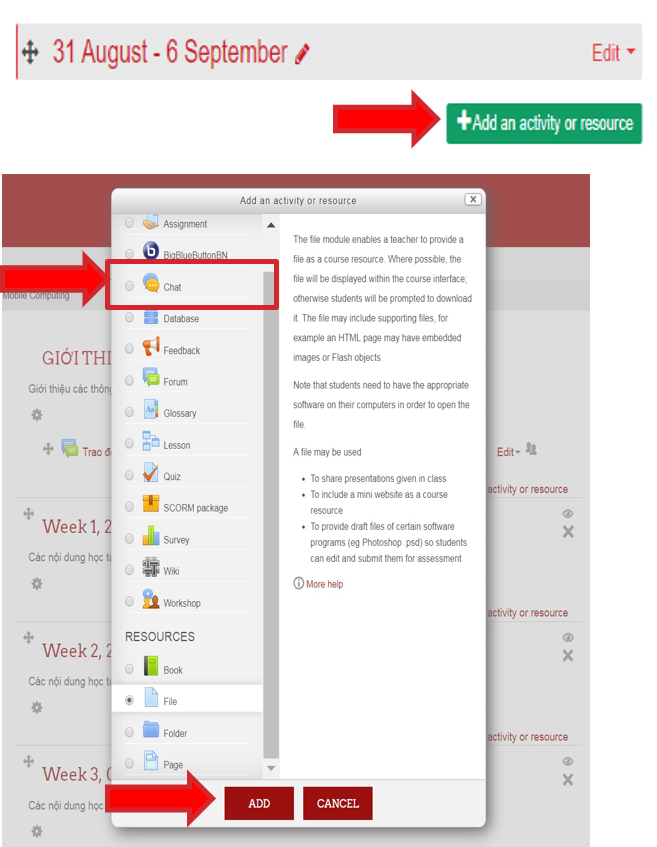
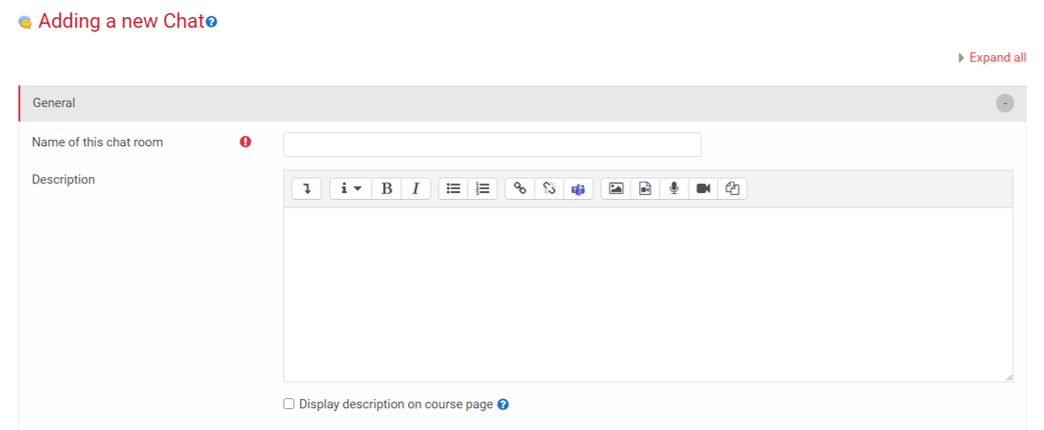
Bước 2. Thêm các thông tin cơ bản về Chat: Tên, mô tả về Group Chat
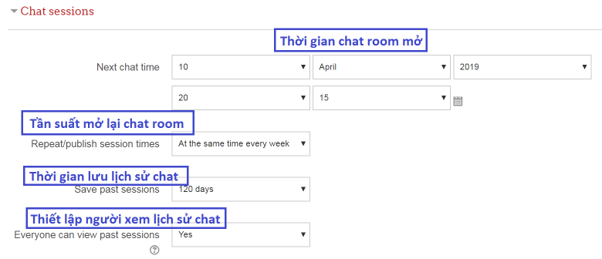
Bước 3. Thiết lập các thông tin bổ sung về Chat sessions
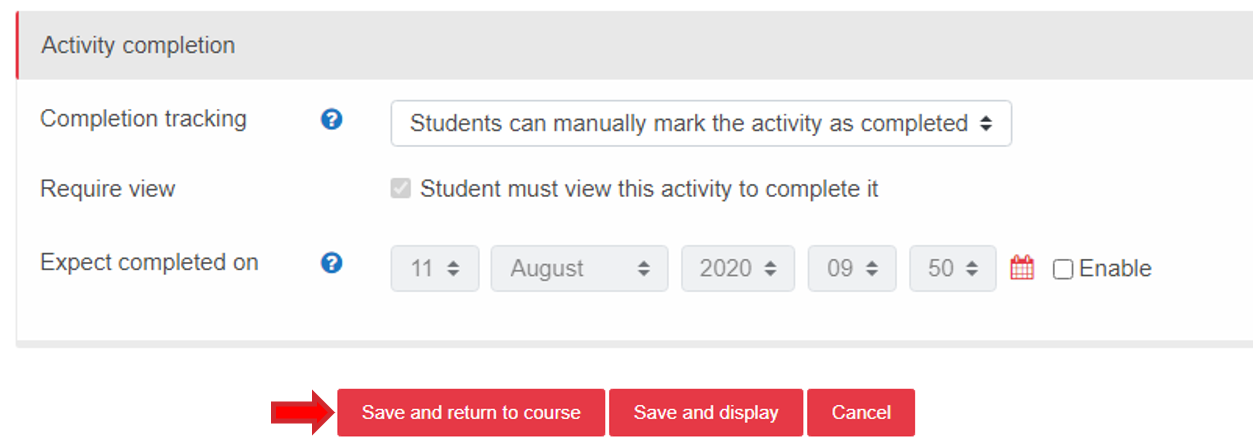
Bước 4. Ngoài ra còn có thể thiết lập đánh giá cho hoạt động Chat bằng tính năng Activity Completion sau đó chọn Save and return to course
Author: Nguyễn Kim Anh
Newer articles
Older articles
-
 HUST Scientist Publish Ferroelectric Materials Breakthrough...
-
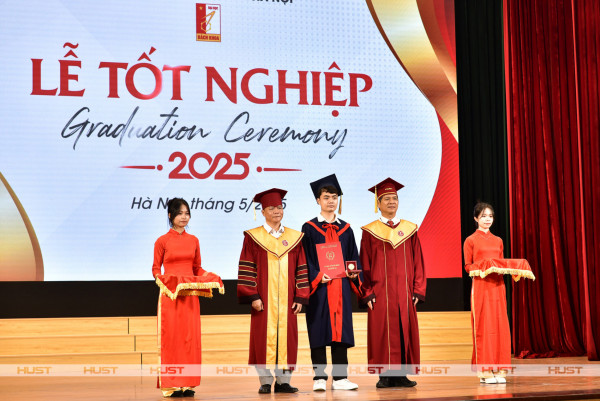 Nearly 3,000 HUST Students Graduate in May 2025...
-
 HUST and TU Dortmund Conduct Joint Scientific Research
-
 New Vice President Joins HUST Board of Presidency
-
 HUST Advances AI Research and Applications in Cybersecurity
-
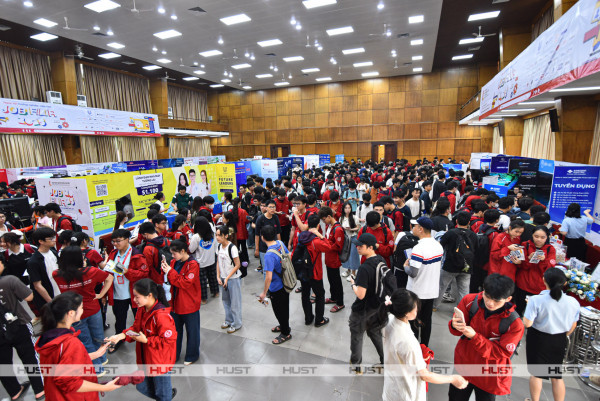 High Demand for HUST Talent at Job Fair 2025
-
 Chemical Engineering Students Can Graduate with KU Leuven...
-
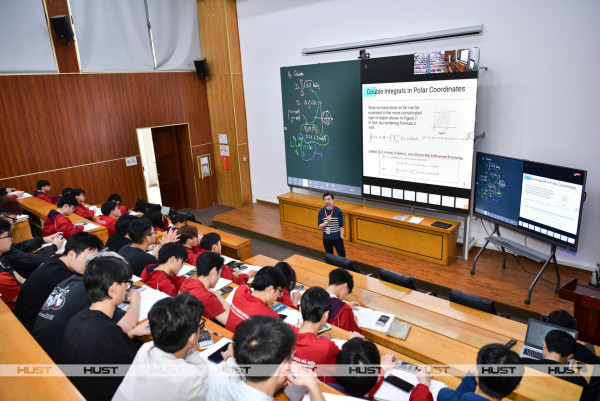 HUST Pilots OMO Model to Enhance Digital Education
-
 U.S. Ambassador Calls HUSTers the Future of STEM
-
 AUN-QA Experts Assessed Engineering Programs at HUST